Private from the start
No account and no sign-in. Your diary is stored only on your computer and is never sent anywhere.
Mood diary for Windows
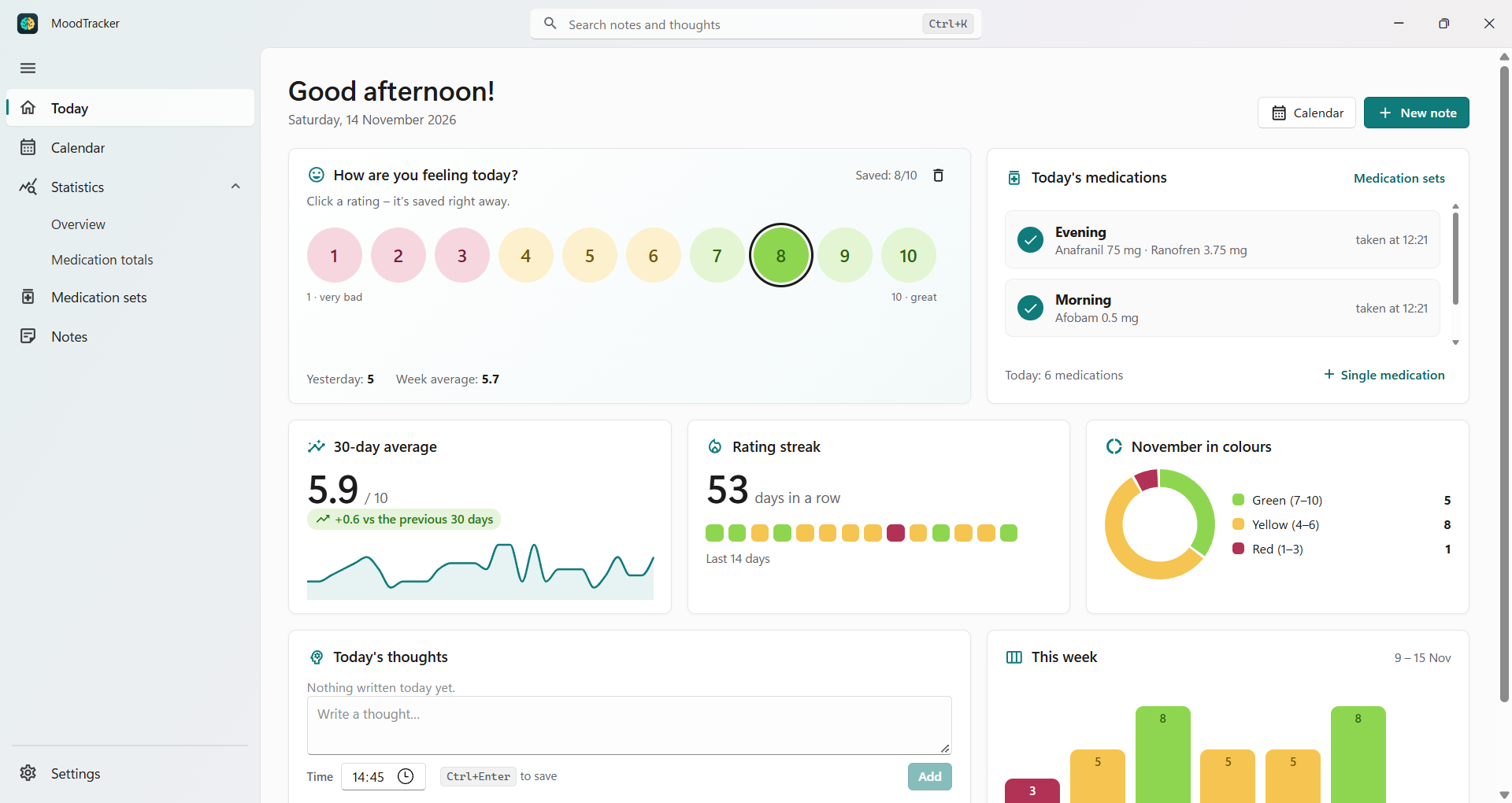
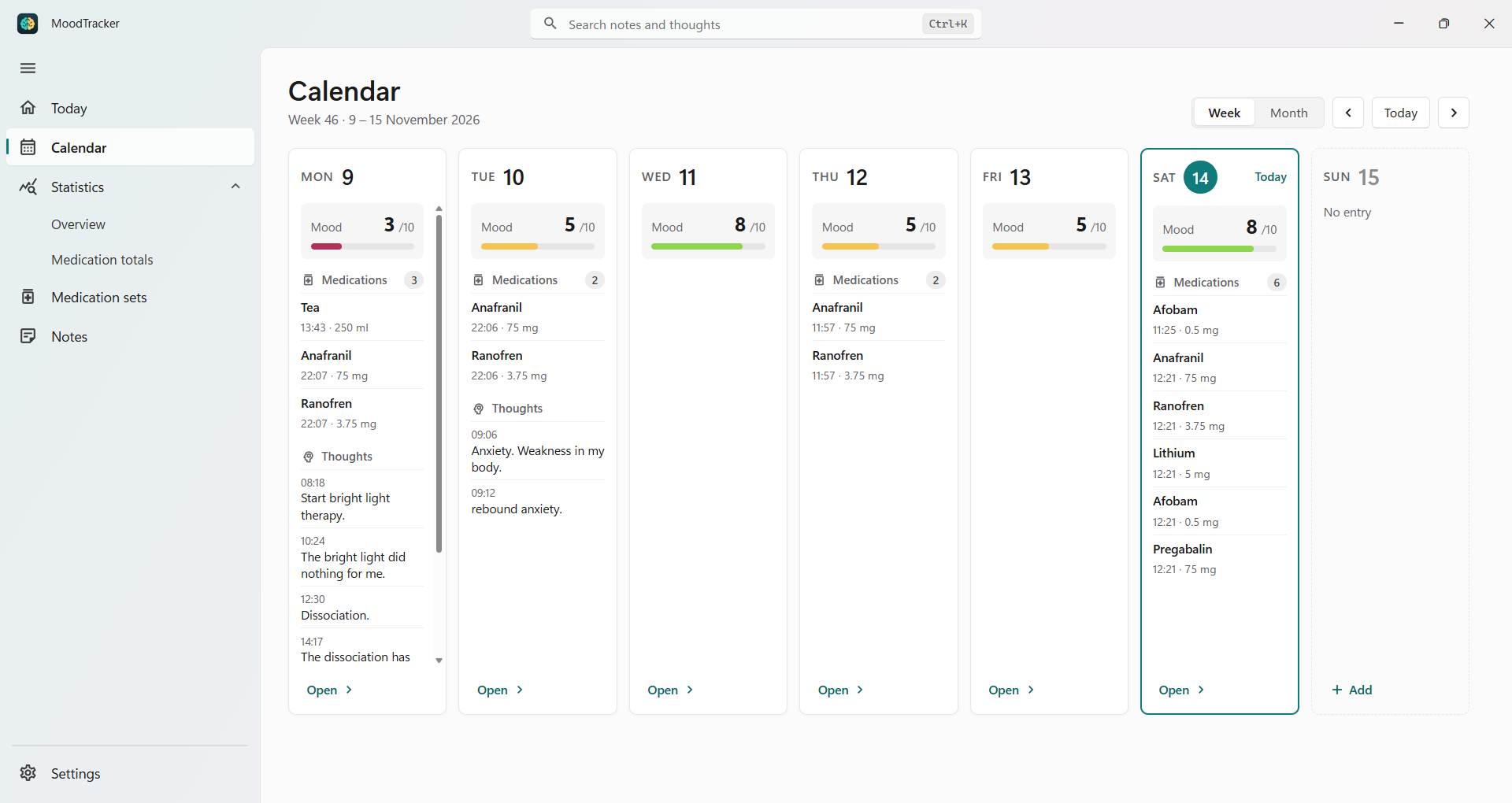
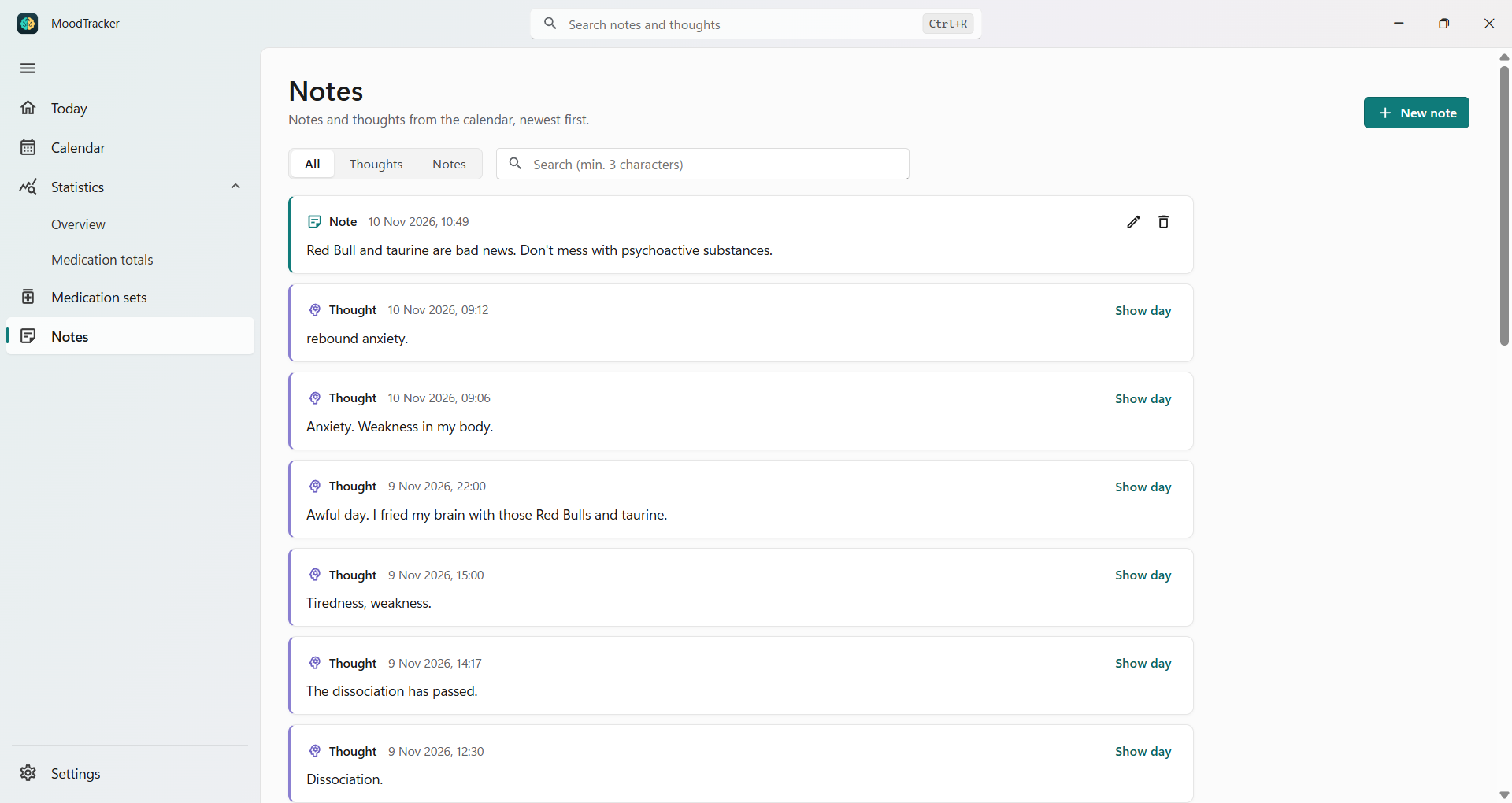
Rate how you feel each day, log the medications you take and write down your thoughts. The calendar and statistics show how your mood changes – and your diary never leaves your PC.
Free trial · one-time purchase, no subscription
No account and no sign-in. Your diary is stored only on your computer and is never sent anywhere.
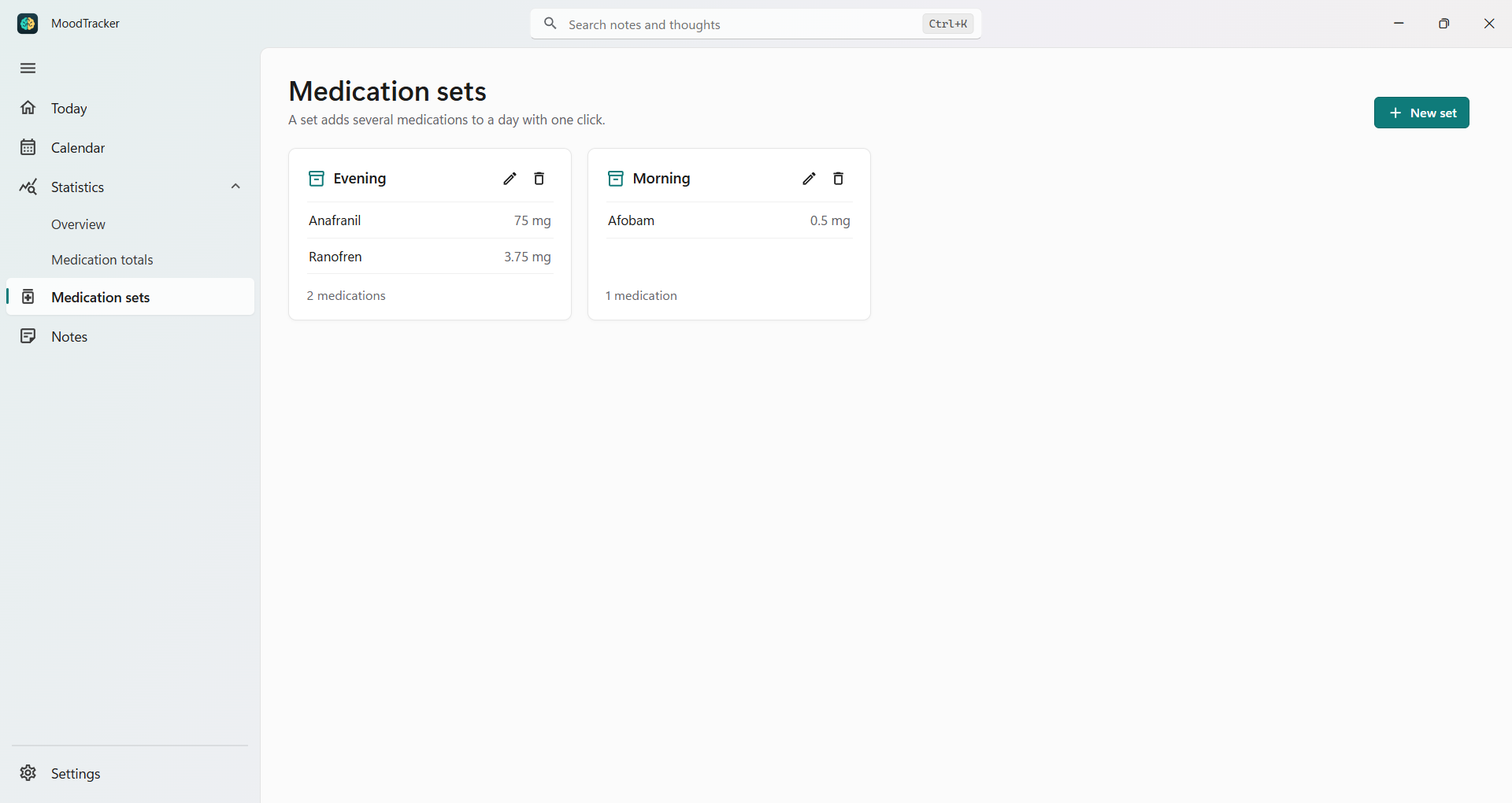
Log doses and times, add your whole “Morning” set with one click, and see how many doses you took in any period.
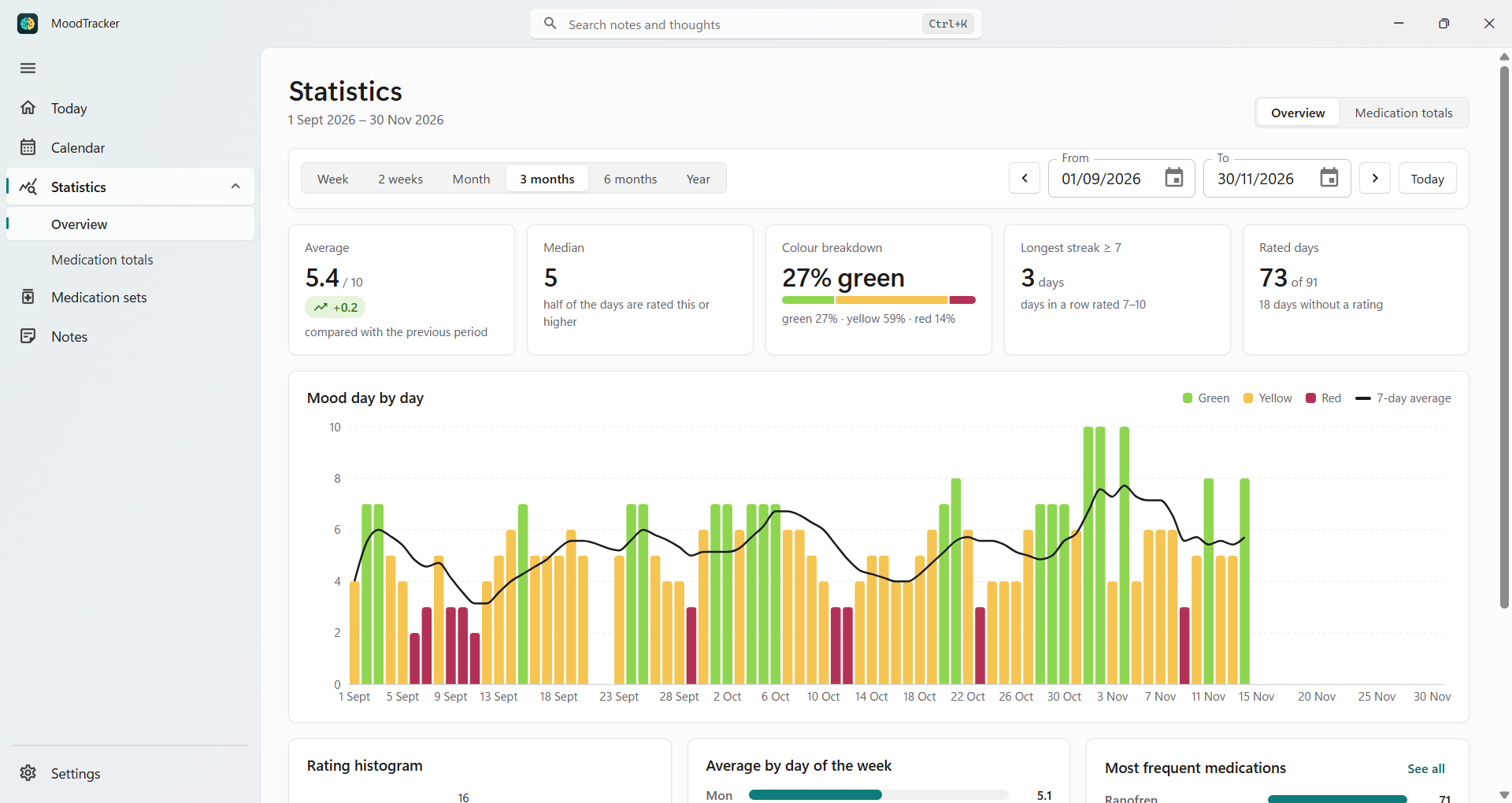
A mood chart day by day, a rating histogram, averages by day of the week and a comparison with the previous period.
Privacy
What you write about your mood and your medications is about your health. That's why MoodTracker keeps it with you only – its author has no access to it.
Read the privacy policy →You buy MoodTracker once in the Microsoft Store – there's no subscription. You can try it for free first. The Store shows the current price in your currency.
No. Install the app and start right away – there's nothing to sign up for.
Only on your computer, in the MoodTracker folder of your Windows user folder. The app doesn't send it anywhere, and its author can't see it. The diary stays there when you uninstall the app, so reinstalling brings your entries back – and you can delete it any time in Settings.
Yes. You need the internet only to install and update the app from the Microsoft Store.
No. It's a personal diary, not a medical device, and it doesn't give medical advice. You can show your statistics to your doctor or therapist – always talk to your doctor about your treatment.
Windows 11 and Windows 10, version 1809 or newer.
English, Polish, German, Spanish, Portuguese and French. You can change the language in Settings.

One click a day is enough – in a month you'll see your mood in color.
Free trial · one-time purchase, no subscription